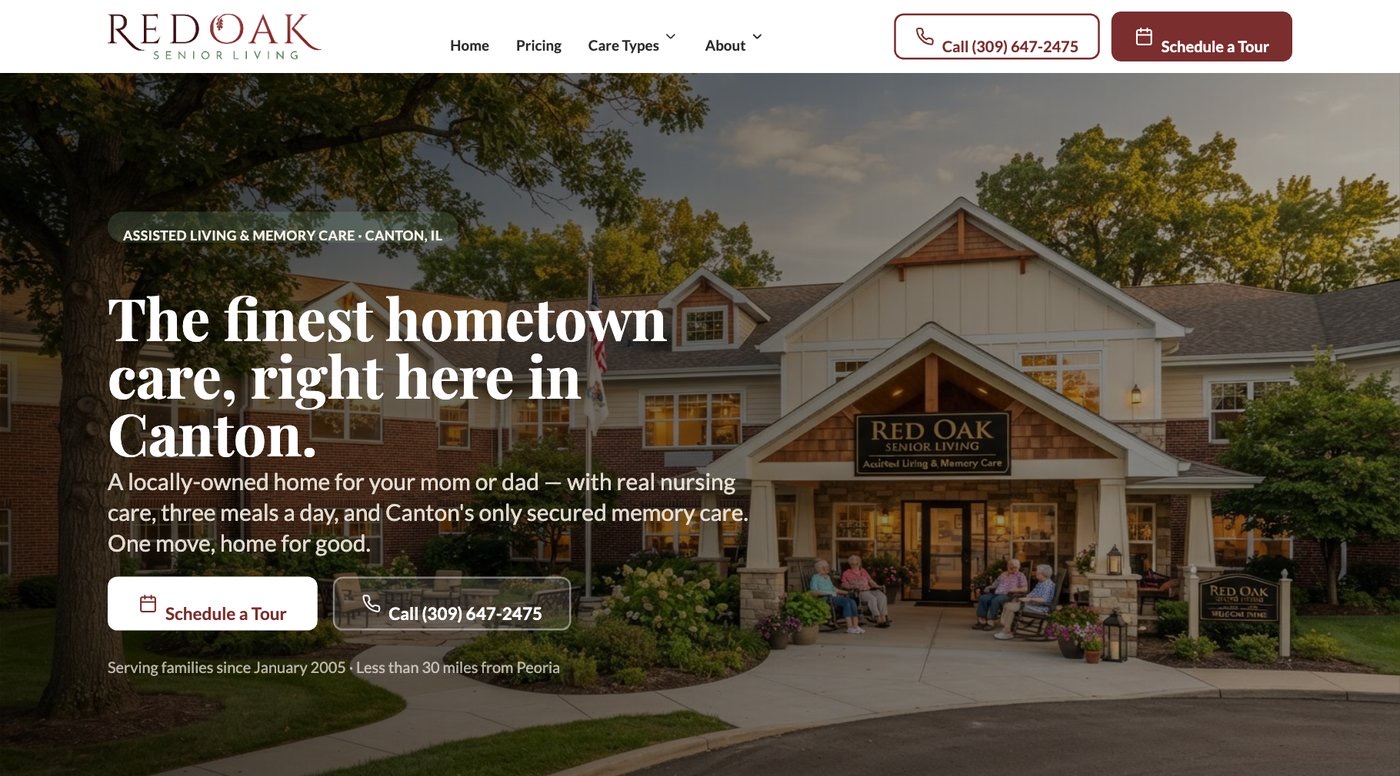
What Changed In The Opening?
The supplied before-and-after views let you compare the original opening with the updated care story and visible tour step. Inspect whether a visitor can understand the community offer and find a way to ask for a visit. The images show the design, without measuring family behavior.
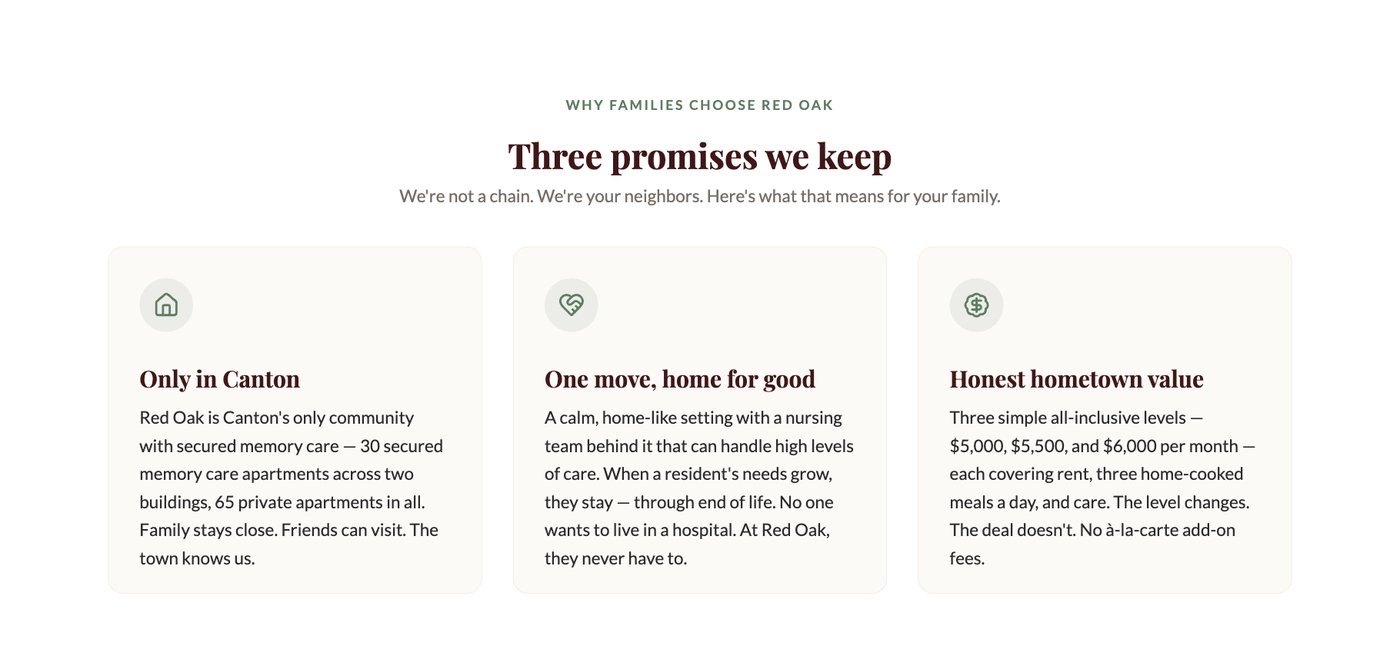
What Can We Learn From Care Sections?
The care view gives the community's support story a clearer place in the journey. Use it to ask whether your own visitors can find the care questions they need answered. Your staff must check the facts for your setting; the Red Oak example does not define your services.
Why Show A Rate Page?
Cost is part of deciding whether to contact a community. The supplied rate-page view shows how cost questions can have a place in the website journey. It helps you judge the information path, while any current rate or personal quote must be confirmed with the community.
Are These Current Red Oak Prices?
Treat the images as project views, rather than a live price list. This case study does not confirm current rates, available rooms, or personal care charges. If you are making a care decision, contact the community for its current information and the review needed for a personal quote.
Where Is The Project Community?
The supplied project materials identify Red Oak in Canton, Illinois. This page focuses on the website artifacts from that work. It does not confirm today's services or availability. Use the location as project context, and check current community details directly when planning a visit or care conversation.
Did Tour Bookings Or Move-Ins Increase?
The supplied case study does not report measured changes in tours or move-ins. Those claims would need records, dates, and a clear method. Review the visible design on its own, then ask how a new project would track calls, requests, visits held, and known inquiry sources.
Why Keep The Tour Step Nearby?
A visitor reading relevant care details may be ready to ask a staff member a question. A nearby tour step makes that action easy to find. It should lead to a real conversation about timing and care fit, rather than imply that requesting a visit approves admission.
What Should We Test On Phones?
Open the care and rate pages on a small screen. Check whether words and buttons are readable, then try the call link and tour request. Confirm that staff receive the test request and that the confirmation explains what happens next. Record any break in that path.
How Can Staff Review A Redesign?
Ask staff to follow a few real family questions through the page. Check the care facts, rate wording, contact details, and next steps. Give each open issue an owner before launch. After launch, review actual requests and held visits to see where more work is needed.
Which Lessons Fit Our Own Website?
Start with the same three tasks: understand the care, prepare cost questions, and arrange a useful visit. Then check where your page makes those tasks difficult. Choose the smallest change that helps your families, while using your own approved facts, photos, and staff contact process.