01
Care page
Keep The Search Question
We shape care and location pages around useful family questions. The agreed inquiry record keeps the page or known source beside the request so staff can begin with context.
Care pageSenior Living SEO
Help families find your community when they search for care. Give them clear answers and an easy way to ask about a tour.
THE PATH FROM SEARCH TO TOUR
Your community
Care, costs, and a clear next step.
Useful search work, step by step
Start with the basics on your own site.
Use this checklist to guide a first review.
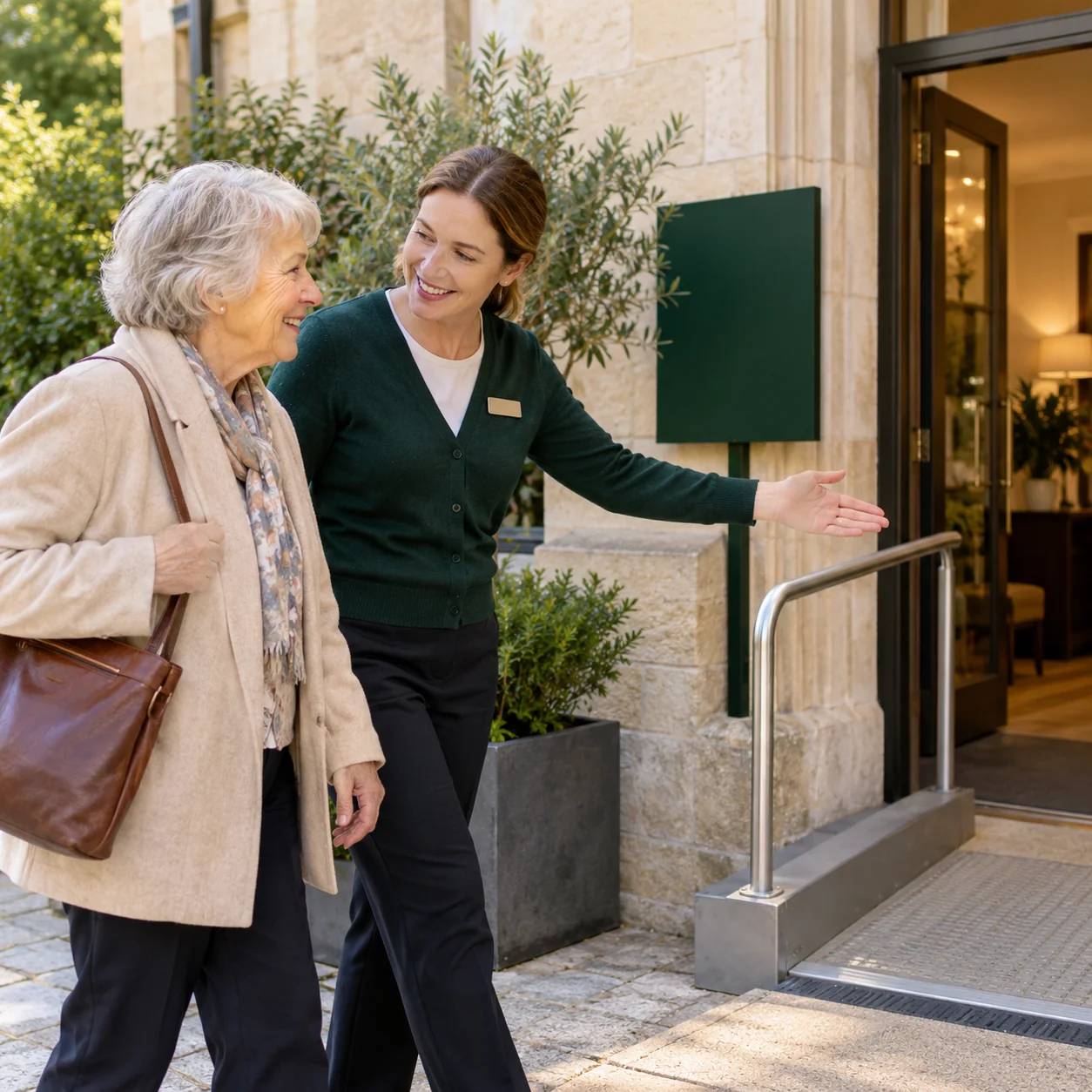
The visit is the next step
A search result brings someone to your site. Real photos, useful care details, and a clear tour step help them decide to call.
Let’s TalkBuild search pages your community keeps
Give families more ways to find useful care answers.
Build pages that stay on your site as rooms open.
Your care explained clearly
Useful rates and payment facts
Your local details in view
SEO helps families find the page. Clear tour steps and staff follow-up help them act on what they find. Track inquiries and tours alongside search visits.
Let’s TalkWebsite work / Red Oak
Being found is the start. A useful website helps families learn about your care and take the next step.

The first page made the community and next step harder to see.
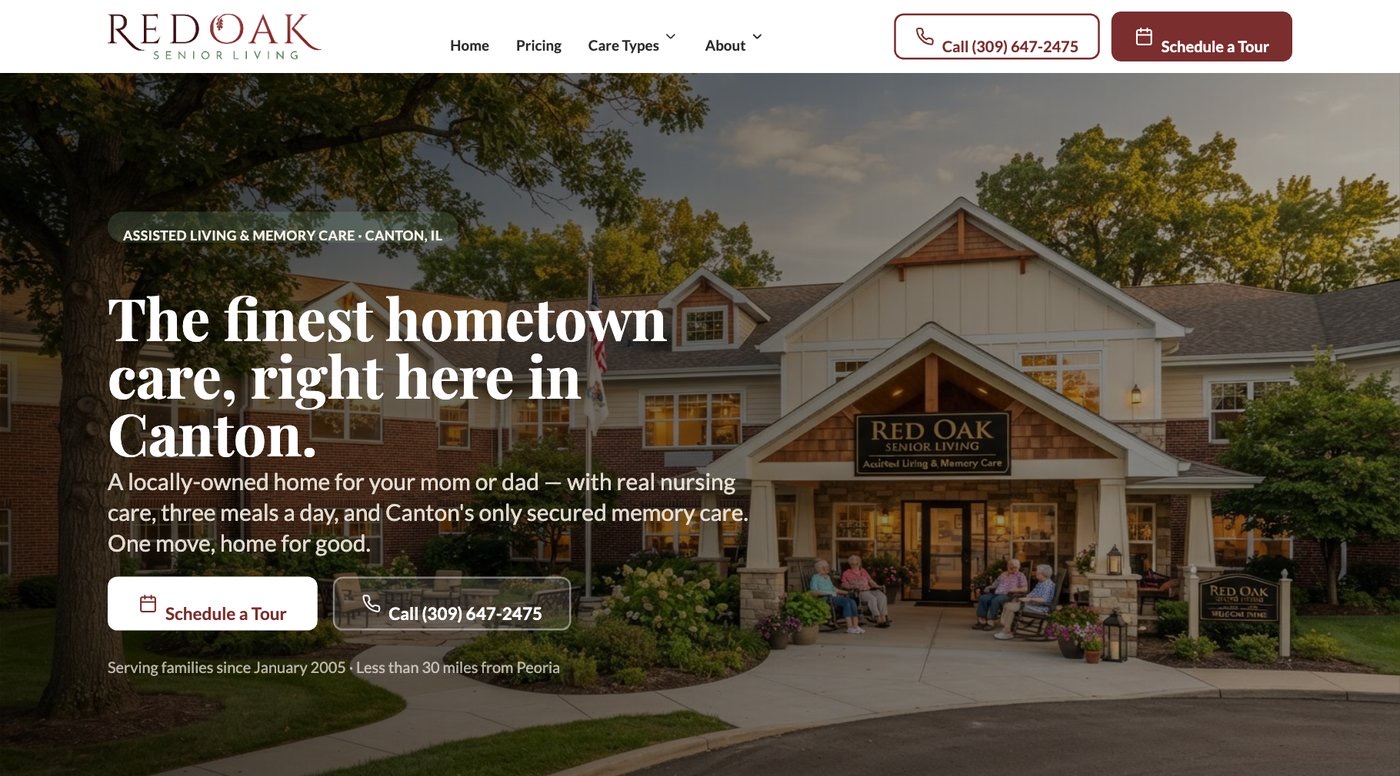
The new page puts the local story and tour request in view.
From visits to useful inquiries
A higher spot in search is not a move-in. Review what families do after they find you, and where your team needs clearer records.
A steady source of direct inquiries
Search takes time. Build useful pages and keep them current. Give each family a way to call, ask for a tour, or stay in touch about future rooms.
See Assisted Living Search Work ↗See what the search work includes
Buy a clear plan for useful work, not a report full of rankings. Each task should have a reason, an approved change, and a step your team can review.
Check the phone and tour path on a phone.
Add staff-approved care, cost, and visit facts.
Check your site and business listing together.
Review inquiries and tours by known source.
Did the work help families
take a useful next step?
Marketing + CRM
We pair search work with a CRM process built around the calls your pages invite. Occupancy Pros helps families find clear care information, then helps your team keep the source, open question, and promised callback together. You can see whether the gap is discovery, care fit, or a missed conversation.
Review Our Marketing And CRMGoogle says complete, accurate business information helps it match businesses with relevant local searches. Google: Improve your local ranking
We shape care and location pages around useful family questions. The agreed inquiry record keeps the page or known source beside the request so staff can begin with context.
Care page
We map who handles search calls and form requests, then set up the agreed sales fields and staff training. A busy shift should still leave a clear callback owner.
First call
We review known search inquiries alongside staff contact and tour records. Unanswered questions and poor fits guide page changes, while missing sources stay visible rather than becoming guessed results.
Tour reviewClear answers before you call
Explore care pages, retirement searches, local reach, and how useful search work is measured.
Senior living SEO helps families find and use your community website through unpaid search. Work can include care pages, local listing checks, page titles, links, and site fixes. The plan should name the pages being improved and how staff will track useful calls and tour requests.
Retirement community searches may focus on homes, location, activities, and freedom from upkeep. Searches for assisted living often include daily help and care costs. SEO for retirement homes should reflect what your community offers, rather than send every visitor to the same general care page.
Start by checking whether your current site lets you edit useful pages, fix contact paths, and keep local facts current. Some sites need smaller changes. Others limit the work. Ask for a clear reason before paying for a rebuild, with the needed work listed separately.
Use the places your residents and families actually come from. Show each community's address and the care available there. A nearby city deserves a page only when you have useful local information to share. Repeating the same page with different city names adds little help.
A useful care page explains the help your team provides, who should ask about it, common cost questions, and how the care review works. Add real local details and a clear contact step. Staff should approve the facts so search visitors get answers they can trust.
Clear, current pages can help both families and search tools understand your community. Useful answers and sound site basics overlap with AI search work. An AI mention still depends on the search tool. Ask for specific page improvements rather than paying for a promised AI placement.
More about your plan
Follow search calls and forms into an owned callback, a useful answer, and a possible tour.
Review visits to important care pages, calls, form requests, and tours where the source is known. Ask staff to record how families found you. Keep missing sources visible. A rise in visits means less if families cannot reach staff or the inquiries do not fit.
SEO builds useful search pages over time. Paid ads can buy visits while a campaign runs. Your choice depends on current demand, your site, budget, and staff capacity to respond. Both need clear care information and a working contact path before added traffic can help.
We review the website form, inquiry number, and staff process together. The agreed setup defines which source details and questions staff receives. Any tool transfer needs access review and testing. Staff also needs a callback owner so a captured search inquiry becomes an actual conversation.
Yes. Repeated questions on calls can show where a page leaves families uncertain. We use that feedback to propose clearer care, cost, and visit information. Staff checks the facts before publication. The CRM process helps preserve those questions without requiring detailed care records in sales notes.
Look at whether staff reached them, whether the service fit, and what question remained open. We connect those records with known search sources where available. Some families are researching for later; others need clearer information or a better callback. Each situation calls for a different response.
More about your plan
Confirm the search tasks, staff source habits, and delivery your proposal needs to cover.
Useful search traffic can take months to build. Your starting site, local demand, and other search results affect the pace. Agree on early tasks and later review dates. Judge progress by completed improvements and useful inquiries, while keeping records of what cannot yet be traced.
Ask a senior living SEO company to explain the first problems it would fix, why those matter to families, and how it reports the work. Request examples you can inspect. Avoid judging a provider only by ranking promises, long reports, or the number of pages proposed.
Your senior living SEO cost depends on the site fixes, local listings, content, and ongoing review needed. Specific SEO tasks must be named in the proposal. A website project does not automatically include every continuing search service listed here.
Name a staff owner for the source choices used in daily inquiry records. We agree on simple labels your team can recognize and cover them in the scoped training. Keep unknown sources visible. Consistent records are more useful than asking staff to guess which search phrase caused a call.
A focused page can be a sensible first task when it addresses a real gap. We still check its local facts, contact route, and staff handoff. The proposal should explain how that work fits the foundation engagement or any other agreed scope, with costs and approval duties clear.
Start with a conversation
Tell us what needs work. We’ll talk through how marketing and CRM could help your team.