Start With Real Family Questions
Build pages around what families need before visiting.
- Explain daily support
- Show payment details
- Describe admission steps
Senior Living Website Design
Show care, costs, community life, and next steps in plain words. Make questions and tour requests easier for families.

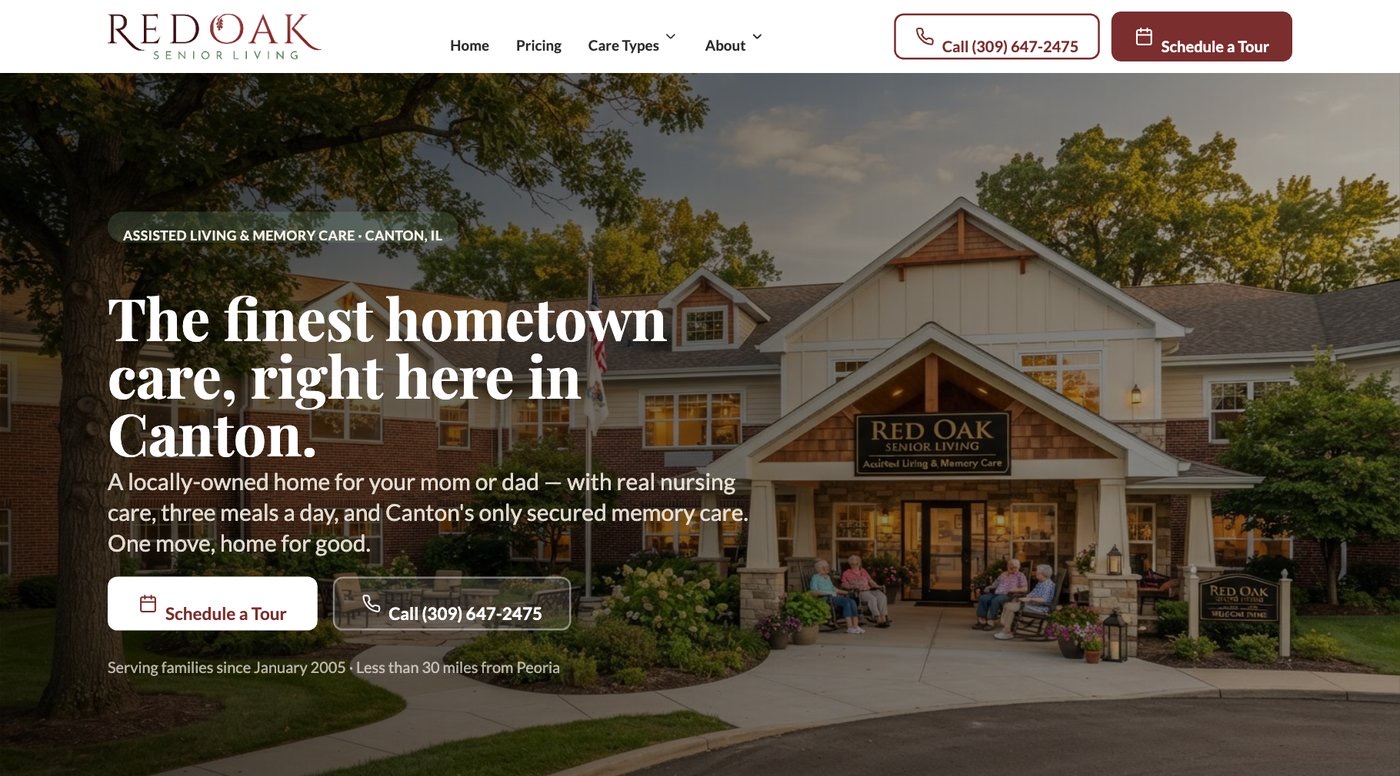
Make the website useful before the call
A family should not have to guess about care, daily life, or what to do next. Build each page around the question it needs to answer.
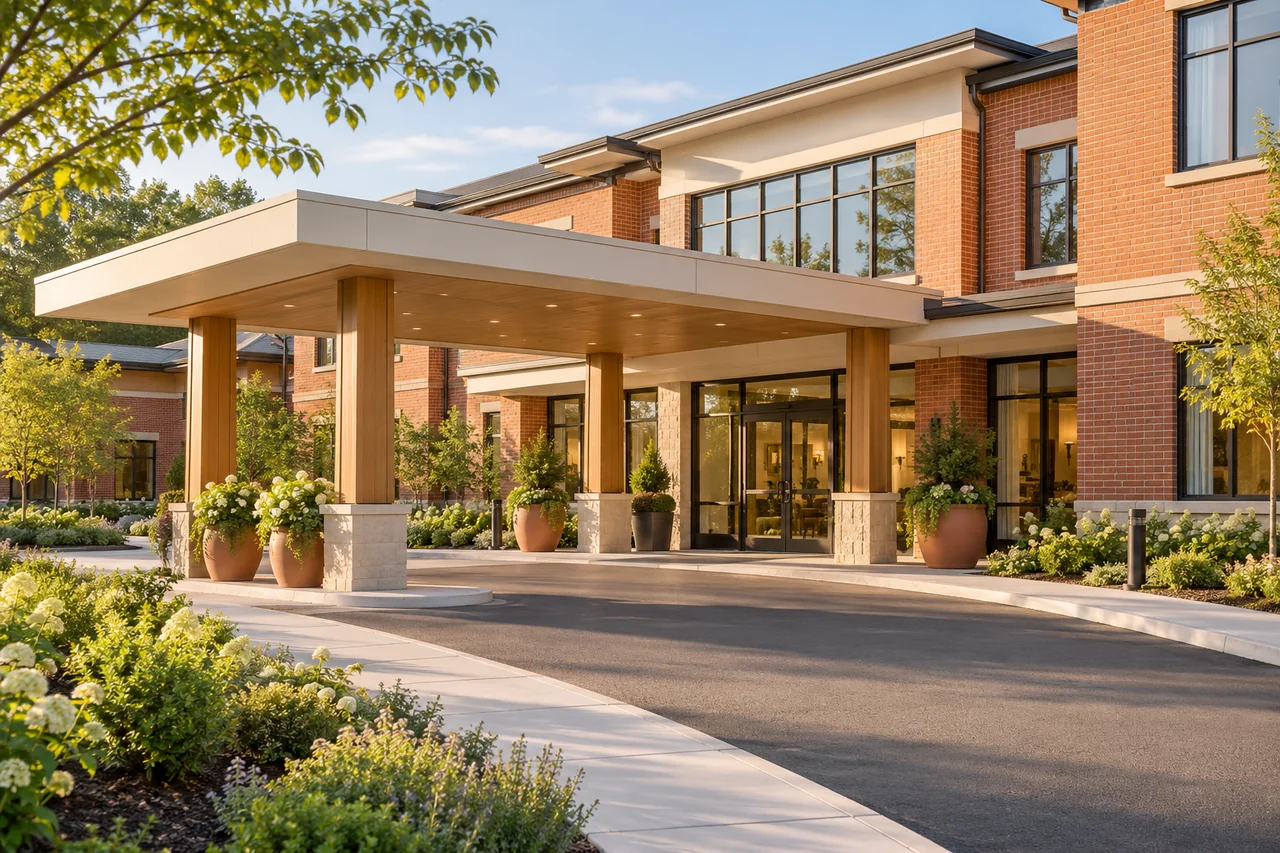
See the care offered, understand common costs, and learn what happens on a visit.
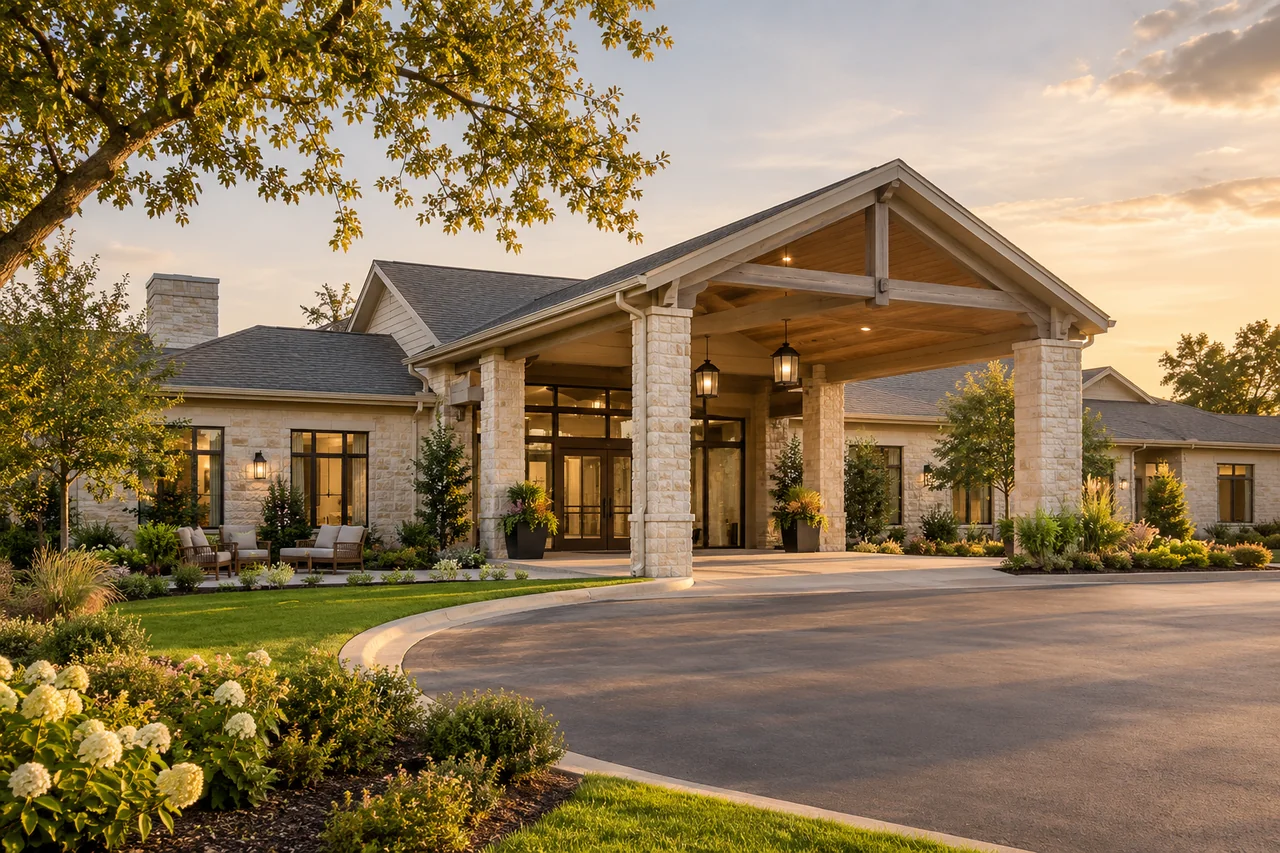

Make the next conversation count
Use clear pages and real community photos to help families picture a visit. The next step should feel easy on every screen.
Let’s TalkApprove the launch in useful steps
A new website is ready when families can get answers and staff receives their requests.
Name the care pages, current rate wording, photo source, and staff reviewer. Keep a list of important old page addresses.
Try phone links, directions, and forms on a phone. Confirm the request arrives with the details staff needs.
Check domain and site access, ongoing bills, old-page routes, and who updates facts after launch.
Design for the phone in their hand
A clear page should work while a family is busy or worried. Give calls, tour requests, and directions room to stand out on small screens.

What the work covers
Build pages around what families need before visiting.
People may search away from a desk. Check small screens and simple contact paths.
Plan who checks facts and updates pages. Agree on hosting and access before work starts.
Marketing + CRM
A website launch should leave families able to reach someone who knows why they called. We build clear care pages and plan the CRM handoff for the calls and forms those pages invite. Before launch, your team reviews an approved sample request, its staff owner, and the contact details needed to arrange a visit.
Review Our Marketing And CRMW3C explains that accessible websites also address many older users’ needs. W3C: Older users and web accessibility
We write page invitations around actual care and visit questions. The form asks for enough context to return the call, with detailed care review kept in approved staff processes.
Page to form
We review the proposed website and CRM handoff, then test the agreed setup with a sample inquiry. Staff checks that the contact and question appear where a named person will act.
Form to staff
We train staff on the agreed inquiry workflow and document who maintains pages and contact routes. A later page update should still leave families with a working way to reach your team.
Staff to familyClear answers before you call
Prepare useful care pages, protect old links, and make launch and ownership decisions clear.
The foundation engagement includes website work alongside branding, CRM setup, and training. Your proposal should list the pages, content duties, review steps, and launch tasks. Senior living website design should help families understand your community and contact staff, with hosting and ongoing costs clear before you choose.
Start with what works and what blocks families. Some sites need clearer pages or better contact forms; others may need a larger change. Ask for the reason behind a rebuild. Keep the page list, content needs, and launch work clear so you can compare the choices.
Show care offered, everyday life, location, common cost questions, and what happens on a visit. Use real community facts and approved photos. Families should know whom to contact next. Assisted living website design also needs clear explanations of daily help and the staff care review process.
People should be able to read care information, call staff, request a visit, and get directions without struggling. Test the real forms and phone links on a small screen. A pretty phone preview is not enough if the inquiry reaches the wrong person or never arrives.
List important existing pages before launch and agree on where each should lead after a change. Keep useful content when it still serves families. Test links from public listings and other key sources. A new design should not leave visitors at an error page from an old address.
Your agreement should explain domain access, hosting, editing access, delivered files, and ongoing bills. Name who can update rates, photos, and contact details. Ask how you can move or export the site if needed. These answers matter before launch, while the handoff can still be planned.
More about your plan
Test calls and forms alongside the CRM handoff and the staff training needed to reply.
Any form or CRM handoff needs a fit review and a test before launch. Agree on the fields, recipient, and backup process when a request fails. The plan should state the actual connection being delivered, rather than assume every website platform and sales tool already works together.
Clear care pages, useful titles, internal links, and readable information can support search work. A redesign alone does not promise rankings or inquiries. Ask which search tasks are included and how old content will be handled. Keep website design and ongoing SEO scope easy to distinguish.
We agree on a name, contact choice, broad interest, useful question, and any source information the tools can pass. Test those details with an approved sample. The receiving staff member should be able to return the call without treating the website form as a full care assessment.
Yes. Staff can practice the agreed inquiry workflow using approved sample requests before the public site changes. We cover finding the request, checking context, assigning the callback, and preparing a visit. The proposal defines the training and launch checks so the staff handoff is ready with the pages.
A phone route is part of the inquiry path too. We review the published number, staff coverage, and how a caller’s question reaches the shared sales process. Source details may require staff questions or notes. A new form should not distract from whether the phone route works.
More about your plan
Confirm the combined engagement, contact-route owner, and improvements to review after launch.
Agree on writing and review duties before design starts. Your team supplies current care facts, rates where published, contact details, and approved photos. A writer can shape those into clear pages. Staff should check service and cost statements so the final site matches the community families will visit.
Ask a senior living website design company to show how its pages help families and how it tests the inquiry path. Review real work, content duties, and ownership terms. Choose clear service facts and an easy next step over a design that makes visitors search for basic answers.
Website costs depend on your pages, functions, content, CRM setup, and training needs. Your proposal defines the work and staff duties. Any connection, software, hosting, or later support cost must be clear before work starts.
Name an owner for public contact details and the receiving staff process, plus backup coverage. We include those duties in the agreed handoff. Changes to recipients, reply wording, or tools should trigger a fresh sample test so a staff change does not quietly break family contact.
Clear service, location, cost context, and care-review information can help families make more informed inquiries. We write those facts with staff approval and review recurring questions after launch. Some calls will still need a personal explanation; the website should prepare that conversation without promising a particular outcome.
Start with a conversation
Tell us what needs work. We’ll talk through how marketing and CRM could help your team.