Is This The Right Kind Of Care?
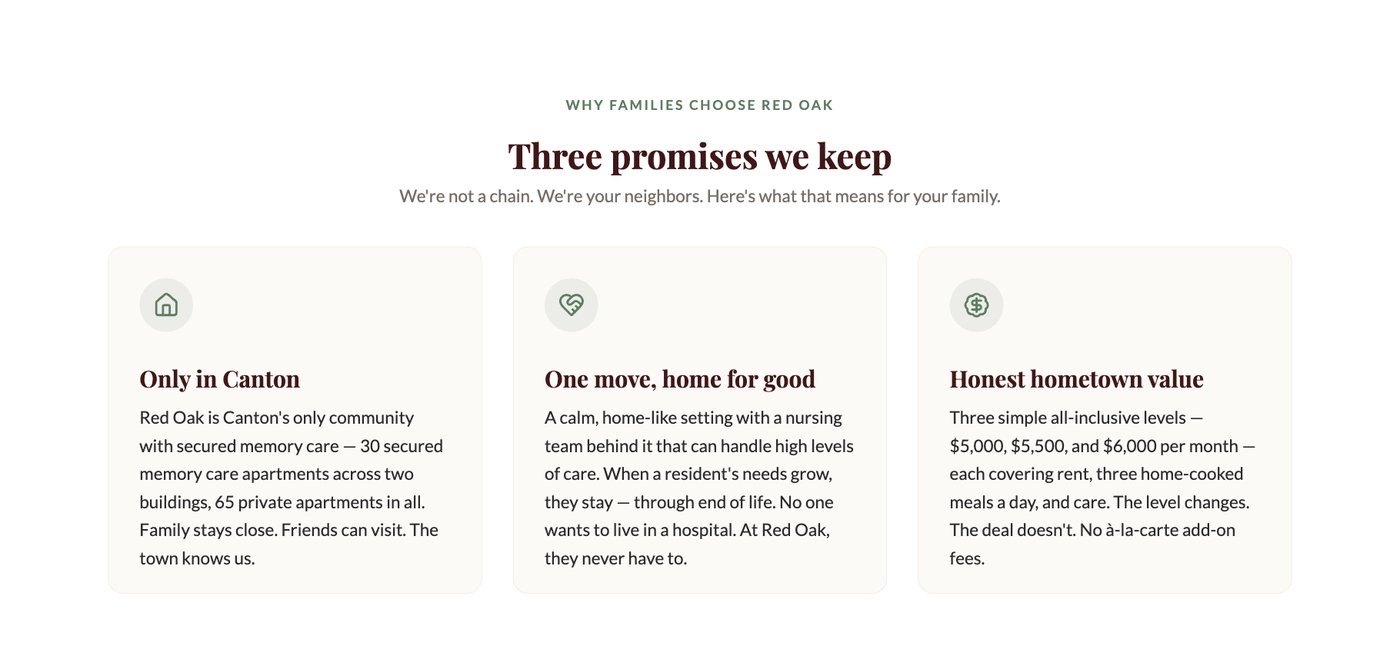
Look for clear support, a local setting, and a person to ask.
Look at the work behind the pitch
Explore the Red Oak website project. Judge the visible changes, the family questions they answer, and the next steps they make easier.
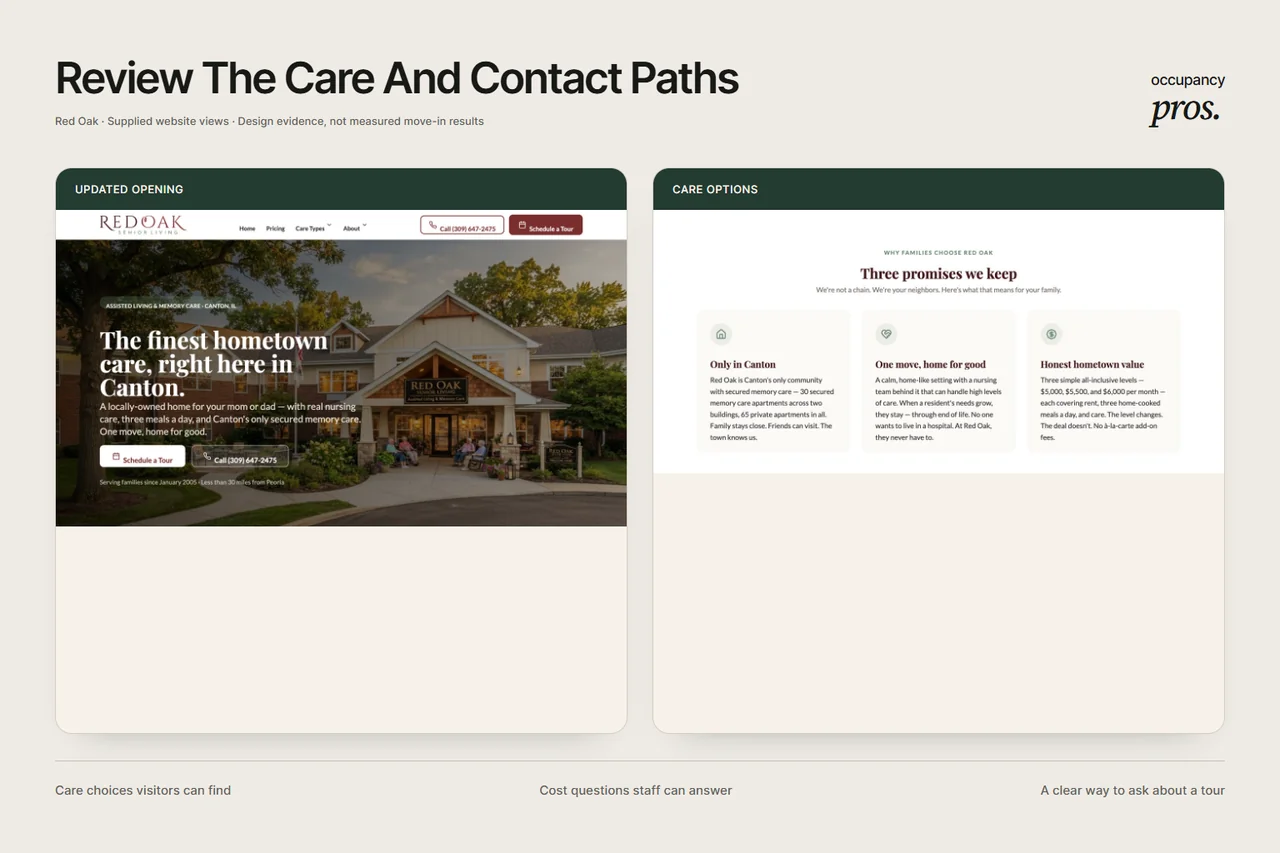
The project puts the care story, cost path, and tour step in a clearer journey. Open the full project to inspect each part.
Explore The Red Oak ProjectThree ways to judge the work
A website should help a family understand the offer and decide what to do next. Review the design through those real questions.
Look for clear support, a local setting, and a person to ask.

See how the page gives cost questions a clear place.
Check whether a family can find a useful next action.
Know what the evidence supports
These project images show design work. Move-in results are not reported for this project. After launch, your team should review calls, tour requests, visits held, and known inquiry sources.
Inspect The Full Website Project ↗Clear answers before you call
Check what the website work shows and which results still need records.
This gallery shows supplied Red Oak website design work. You can inspect the opening, care sections, and rate-page view, then follow the link to the full project. These artifacts show changes to the page. They do not establish a rise in inquiries, tours, or move-ins.
The gallery presents the Red Oak project. Review that work for the questions it answers rather than assuming it represents a larger client list. Ask to see relevant approved work for your own care setting when you compare a proposal with your community's needs.
The Red Oak before-and-after website views are supplied project artifacts. Use them to inspect the layout, care story, cost path, and tour step. General community photos elsewhere on the site are illustrative images and should not be treated as evidence of a client relationship.
No measured occupancy result is reported for this project. A website screenshot cannot establish that result. To review an occupancy claim, ask for the starting count, date range, care type, and records, plus changes in pricing, availability, ads, and staff follow-up during that period.
Choose a question a family would ask, such as what care is offered or how to request a tour. Follow the page until you find the answer. Then check whether the next step is clear. Use that same task when reviewing your current website.
A useful cost path shows where families can find rate information and ask personal questions. It should explain what a listed price includes and which needs may change the total. Project images demonstrate the page design; current prices must come from the community's live information.
Look for a named measure, source records, a clear starting point, and matching dates. Separate tours booked from tours held and keep unknown inquiry sources visible. Ask what else changed during the period before treating the website as the sole reason for a sales result.
Use the Red Oak structure as a question list, then test it against your own care and families. Your community may need different pages, rate explanations, or visit steps. Keep only the parts that help visitors understand your actual offer and reach the right staff member.
Test the live phone link, tour request, and reply process on a small screen. Ask who receives the request and how a later staff member finds the notes. A clear screenshot shows design work; these checks show whether the whole inquiry path works in practice.
Give each agency the same care setting and reader task. Ask what it built, which facts the community approved, and what evidence supports any result. Compare the scope and staff duties too. A polished page alone does not tell you how much work your team will own.
Start with a conversation
Tell us what needs work. We’ll talk through how marketing and CRM could help your team.