Keep Family Follow-Up In View
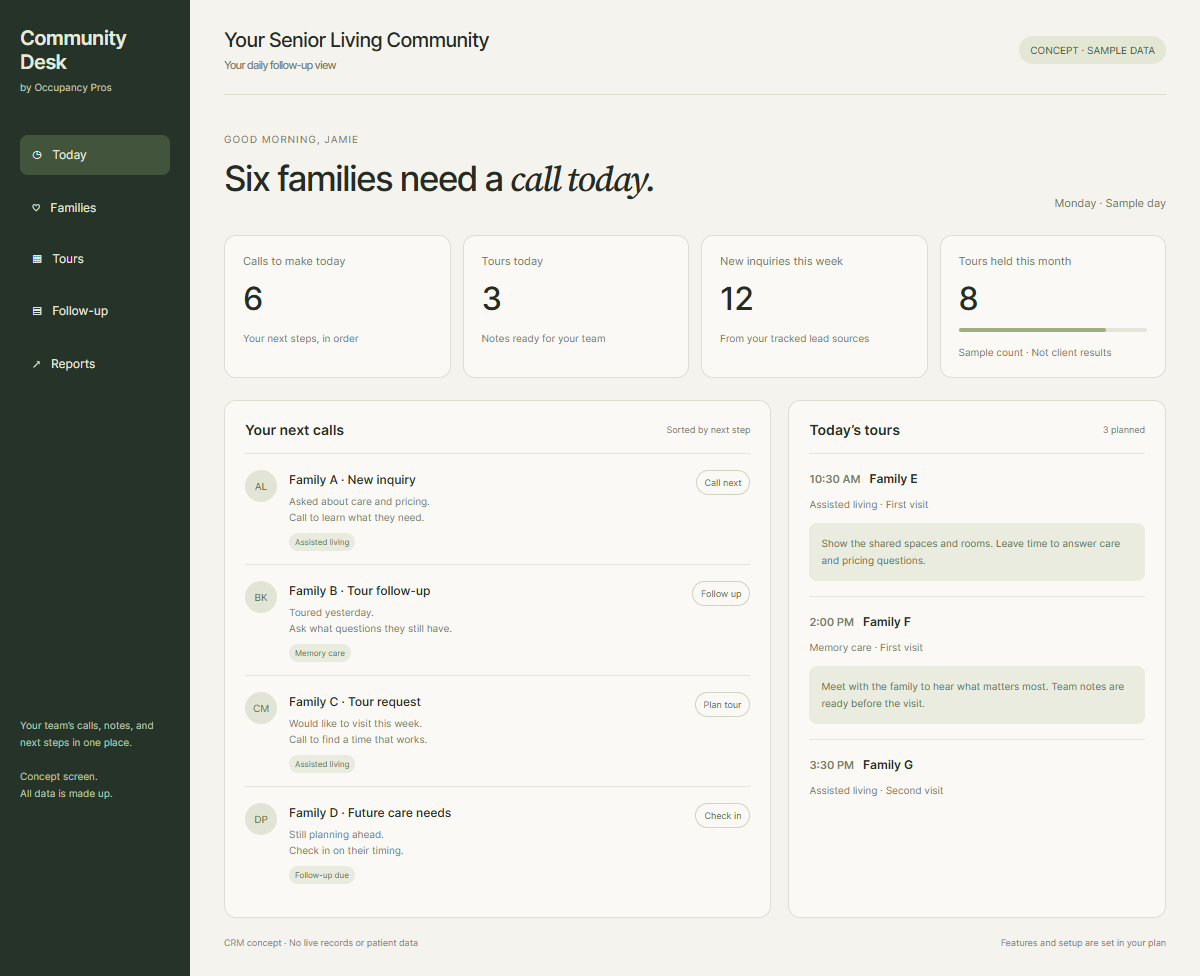
Organize notes, calls, and tours in a CRM your team learns to use. Staff can see who needs a reply and what comes next.
Explore The Senior Living CRMSetupTrainingClear staff tasks
CRM & occupancy for senior living
Give each family a clear next step. Keep inquiries, tours, and future openings in view while your staff helps families decide.

Two kinds of help
The CRM gives staff a shared view. The optional Occupancy Program adds ads and follow-up through tour booking.
Organize notes, calls, and tours in a CRM your team learns to use. Staff can see who needs a reply and what comes next.
Explore The Senior Living CRMAdd managed ads and follow-up through tour booking. Your staff still handles tours, care questions, and move-in decisions.
Explore Occupancy GrowthTry the next steps
Choose a stage to see how clear notes and a named next step can help your staff.
Keep the inquiry source, contact details, and next task in one place. A staff member knows who should make the next call.
See Inquiry And Tour Follow-UpAssign the next call.
Staff review comes nextKeep the visit time and family questions in view. Staff can prepare a useful tour and record what happens next.
See Inquiry And Tour Follow-UpPrepare the tour notes.
Staff review comes nextTrack family timing and keep in touch while plans take shape. Staff reviews interest and fit before offering the next step.
See Waitlist And Opening PlansSet a useful check-in.
Staff review comes nextUse current family notes and waitlist timing to plan the next call. Your staff checks care fit, availability, and admission steps.
See Waitlist And Opening PlansReview the next possible fit.
Staff review comes nextWorkflow concept. Setup, access, and features are agreed in your plan.
Marketing + CRM
Choose CRM and occupancy work by looking at both suitable demand and staff response. We connect the marketing path with the sales process rather than judging one in isolation. That gives your community a clear scope for attracting families, returning calls, preparing visits, and keeping future interest current.
Review Our Marketing And CRM
We review care pages, local discovery, and inquiry routes before recommending demand work. The foundation provides brand and website work alongside CRM setup and training, with delivery defined in the proposal.
We map ownership, useful sales notes, and staff coverage around current inquiries. Optional managed follow-up through booking may fit when agreed with the foundation, while community staff keeps care and admission duties.
We scope useful waitlist planning alongside staff-confirmed room information. Marketing supports the homes and care you offer; staff checks timing and fit before discussing any particular opening with a family.

Move-outs keep coming
Your waitlist needs new interest as well as clear follow-up. Bring the marketing plan and the staff process together, so the next opening has a next step.
Explore Your Marketing Services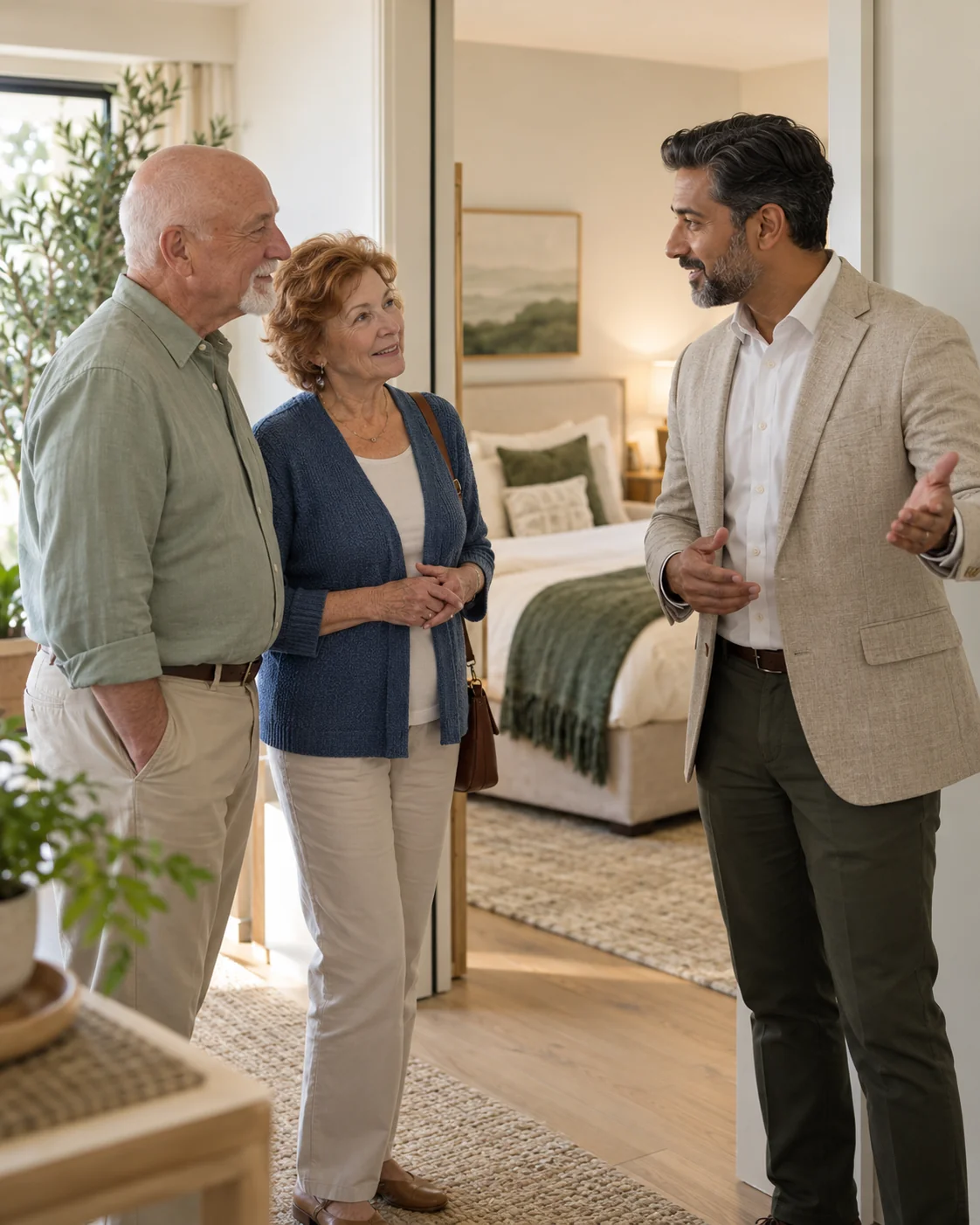
Clear answers before you call
Separate sales tools, waitlist planning, occupancy support, and clinical records before choosing scope.
A CRM gives staff a shared place for family contacts, notes, and next actions. Occupancy support adds agreed marketing and follow-up services. They solve related but different needs. Choose from the work your team cannot complete today, while keeping care decisions and admission duties with your community staff.
Show where the current tool works and where staff loses time or context. Keeping it may change the scope, especially if another setup or connection was expected. Review access, exports, handoffs, and costs before deciding. A new process may help without requiring an immediate software switch.
Keep current family interest, timing, home preference, and next check-in visible. Pair those with staff-confirmed room facts when an opening is likely. Senior living waitlist planning needs regular human review. A name on a list does not establish care fit, a reservation, or a future move-in.
A full live room, bed, or census module is not confirmed by these pages. The waitlist and opening examples explain proposed workflows. Ask for actual included functions and a demonstration before buying. Staff must identify the official room record and keep any sales view from becoming a conflicting source.
Any connection depends on the actual tools, account access, approved information, and tests. Start with the handoff staff needs to improve. Your proposal should name what will move, in which direction, who handles failures, and the costs. No specific care-system connection is assumed.
No. The proposed CRM supports marketing and sales contacts, notes, and follow-up. Clinical records, medicines, billing, and care assessments belong in approved tools and staff processes. Agree on information boundaries before setup so a useful family question does not turn into an unapproved clinical record.
More about your plan
Locate whether suitable demand or staff callbacks are holding progress back, then connect the right work.
Start by saving the family's open question, a named next owner, and an agreed contact date. Practice how those details pass between staff. Tools support that habit when the workflow stays simple. Optional support may add specific follow-up duties, but the written plan must state what is covered.
No. Senior living occupancy support can improve marketing and the steps toward a visit, but local demand, rates, care fit, availability, and staff work all matter. Review useful inquiries and held tours to locate gaps. A plan should explain work and evidence rather than promise every room will stay full.
Start by checking whether the staff records are current and inquiries are genuinely scarce or unsuitable. We can then review your public care story, local discovery, and contact routes. The foundation combines brand and website work with CRM setup and training, so any use of existing software needs clear scope.
Trace a real inquiry to see who received it, what the family asked, and who was meant to reply. We scope the sales handoff and training around that gap. Optional managed follow-up may fit with the foundation plan, while reply hours and community staff responsibilities still need written agreement.
More about your plan
Choose a combined starting point, clarify costs and duties, and name who reviews the plan after launch.
Costs depend on the brand work, website, CRM setup, and training you choose. Your proposal names the actual work and staff duties, plus software, hosting, and later support costs so the full commitment is clear.
The Occupancy Program can cover managed ads and follow-up through tour booking as agreed. It is a managed service. Confirm service fees, ad spend, channels, reply coverage, handoffs, and recurring charges before choosing.
The plan must name who handles inquiries, reply hours, backup coverage, and the handoff to tour booking. Your staff leads tours, answers care questions, reviews fit, and handles admissions. Do not assume every family contact is covered. Clear duties let staff know what still needs its attention.
Training should cover the daily tasks in the agreed setup: finding a contact, saving useful notes, preparing a visit, and assigning the next action. Include a shift handoff and backup owner. Confirm sessions and support in the proposal so staff knows where to get help after launch.
Use one recent family inquiry and one expected opening to show where staff gets stuck. We review the public information, contact route, and current family interest together. The proposal can then name the marketing and CRM tasks that address those gaps, with staff duties and costs attached to actual work.
Name a community owner for reviewing known inquiries, staff contact, held tours, and current waitlist interest alongside completed marketing work. We agree on the review scope and dates. That keeps the discussion tied to real work and family context, with unknown sources and unconfirmed room facts still visible.
Example discussion brief
One family may ask about two buildings. Your staff needs one clear next call, and your leaders need counts they can compare. Use a simple example to agree on the rules before setup.
Start with a conversation
Tell us what needs work. We’ll talk through how marketing and CRM could help your team.